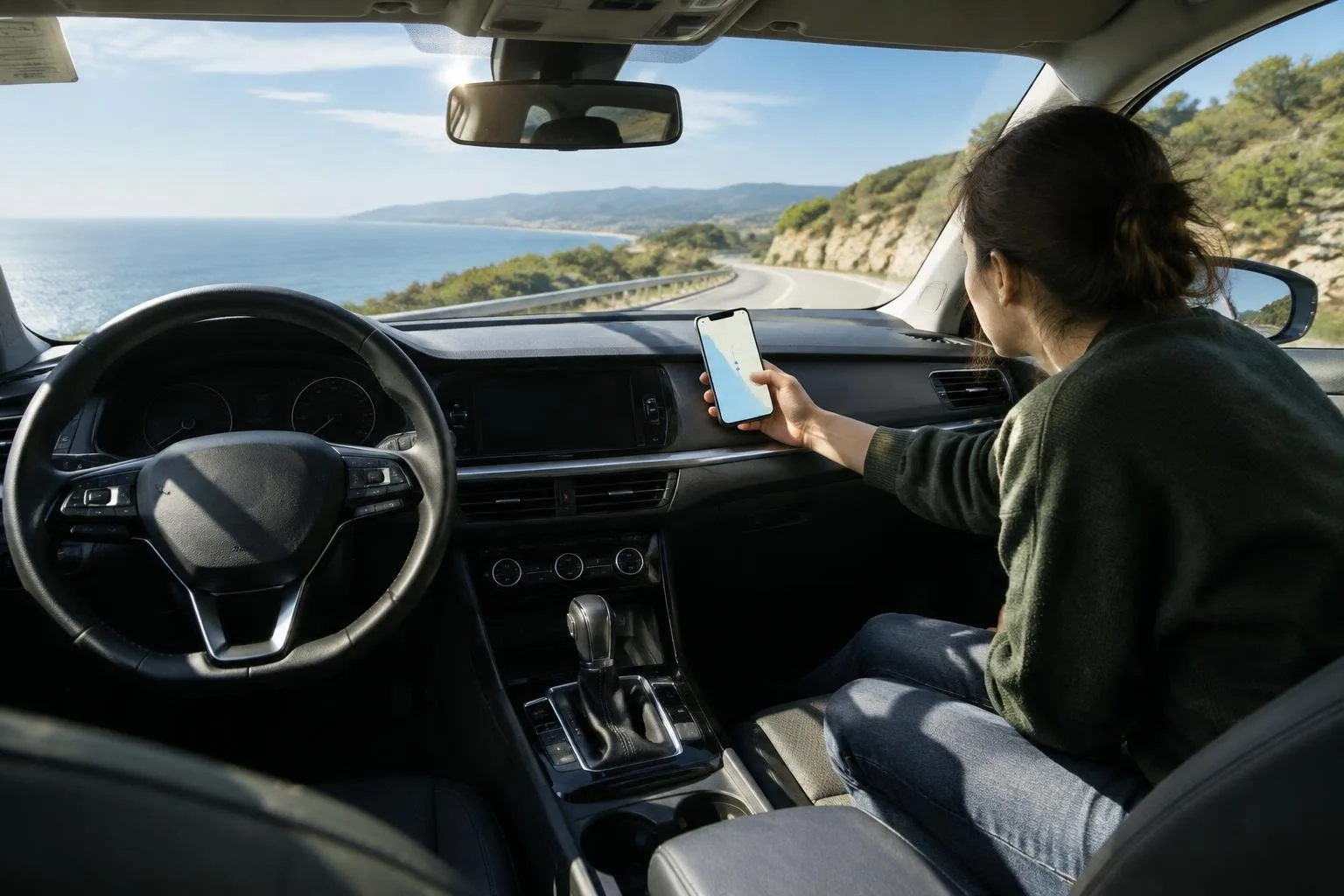
Android Auto is a infotainment system designed to provide a safe and convenient way to use your Android device while driving. It allows you to access various apps, such as Google Maps, Google Play Music, and Pandora, directly from your car’s dashboard.
The importance of setting up Android Auto lies in its ability to minimize distractions while driving, allowing you to focus on the road and ensuring a safer driving experience. By configuring the layout, voice shortcuts, and do-not-disturb mode, you can create a personalized and streamlined experience.
Configuring the Layout
To get started with Android Auto, you need to configure the layout to suit your preferences. This can be done by selecting the apps you want to appear on the home screen and rearranging them to prioritize your most frequently used apps. You can also customize the home screen to display the information you need, such as the time, weather, or navigation.
Voice Shortcuts
Voice shortcuts are a key feature of Android Auto, allowing you to control the system with voice commands. You can use voice shortcuts to launch apps, make calls, and send messages. To set up voice shortcuts, go to the Android Auto settings and select the