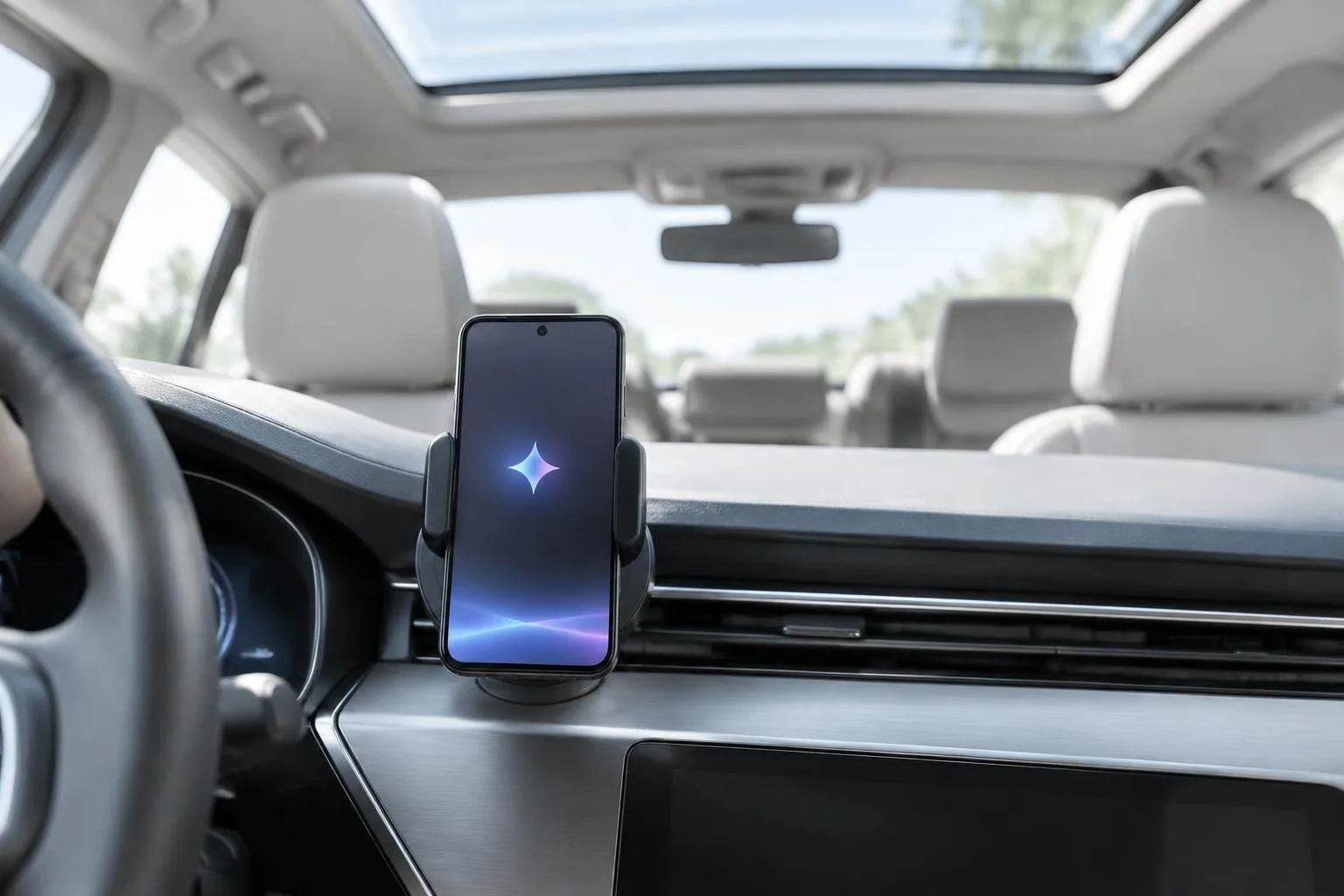
Google has expanded the Gemini assistant inside Android Auto with a feature called Personal Intelligence. The upgrade lets the AI pull data from Gmail, Calendar, Photos, Maps, YouTube and Search, turning a solitary drive into a highly contextual experience. At the same time, the company updated the Android Auto eligibility rules, now demanding Android 11 or newer for any connection. Both changes arrive together, meaning drivers must decide how much personal data to expose while also checking whether their smartphones still qualify.
For users who share the passenger seat with friends or family, the new data-fusion can feel invasive. Gemini may read a flight gate from a confirmation email, locate a doctor’s appointment from the calendar, or even start navigation to a photograph saved months ago. The assistant does not differentiate between a solo commute and a car full of passengers, so anyone within earshot can trigger a query that accesses personal accounts. The following guide shows how to curb that exposure and explains which devices are being left behind by the Android 11 requirement.
Control the new Gemini Personal Intelligence in Android Auto
Disable the feature entirely
Personal Intelligence is disabled by default and only activates after you enable it in the Gemini app. To make sure it stays off, open the Gemini application, tap Menu → Settings & help → Personal Intelligence, and flip the main toggle to the off position. Turning the switch off prevents the assistant from reaching any of your Google services while the car is connected, yet core functions such as navigation, music playback, and generic voice queries remain fully operational.
Pick which services stay linked
If you prefer a more selective approach, use the Connected Apps submenu. Here you can keep Google Maps and YouTube active, both useful for route planning and media recommendations, while shutting off Gmail, Calendar, Drive, Photos, Keep and Tasks, which are bundled under the Google Workspace label. Disabling Workspace removes the ability for Gemini to read email content or calendar entries, reducing the chance that a passenger will inadvertently expose your schedule.
Strengthen Voice Match to block accidental access
Every voice command begins with the “Hey Google” hot-word, which any occupant can say. Retraining the voice model makes the system more likely to ignore voices that don’t match yours. In the Gemini app, tap your profile picture, go to Settings → Talk to Gemini hands-free, and follow the prompts to record a fresh voice sample. Although the algorithm is not flawless, a refreshed profile cuts down on accidental data pulls by passengers.
Stop Android Auto from broadcasting your messages
By default, Android Auto mirrors incoming SMS and chat notifications on the car’s display and can read them aloud. To keep personal conversations private, open Android Auto settings on your phone, scroll to Notifications, and disable Show message notifications. Then turn off Notifications with Assistant so the system no longer reads messages through the speakers. These steps preserve the convenience of hands-free calls while preventing your texts from becoming public entertainment.
Android Auto’s new Android 11 minimum and its impact on older phones
Google’s support page now states that an Android device must run version 11 (code-named Red Velvet Cake) or later, plus have an active data plan, to use Android Auto. The change replaces the previous floor of Android 9 and was hinted at for a year before being officially documented. While the requirement explicitly covers both wired and wireless connections, some outlets report that wireless use still tolerates Android 10 devices that support 5 GHz Wi-Fi. The inconsistency suggests a staged rollout rather than a single global switch.
Phones that never received an Android 11 update (such as the Samsung Galaxy S9, Galaxy Note 9, and any device permanently capped at Android 9 or 10) are now ineligible for wired Android Auto. Users of those models have observed warning messages like “Phone will no longer be supported” appearing as early as October 2026. Downgrading the Android Auto app to an older version does not restore functionality, and no official timeline has been given for when the cutoff will become absolute. Before deciding to replace a handset, check the About phone screen for the exact Android version and verify whether the manufacturer ever offered an Android 11 update for that exact model and region.